
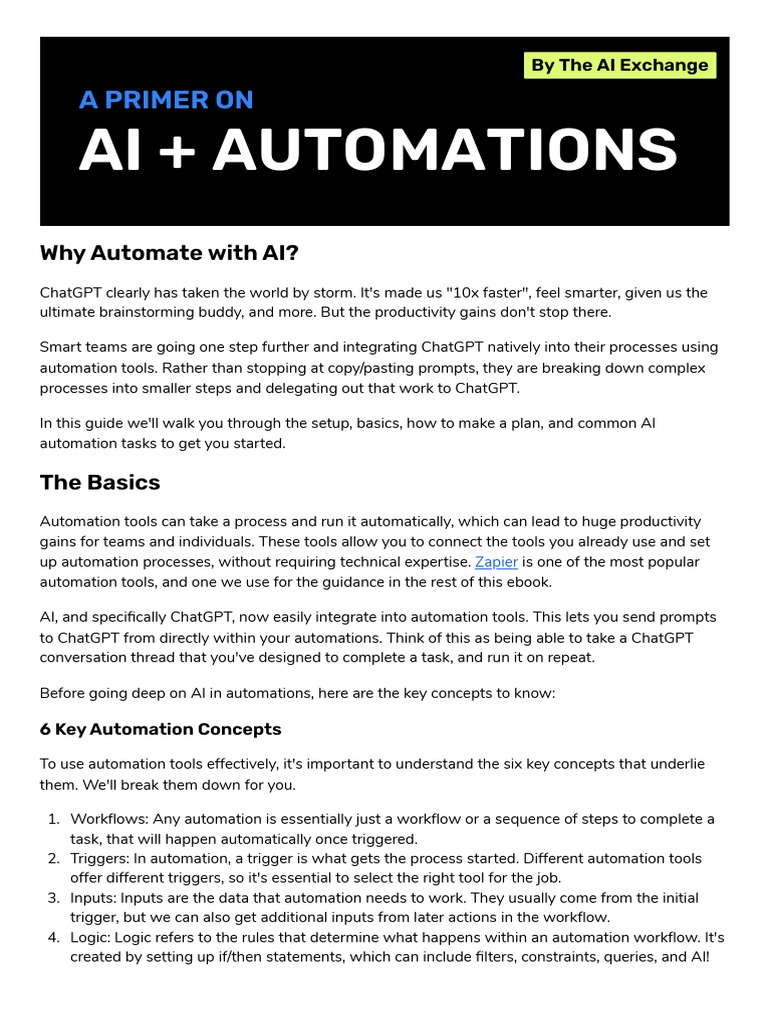
In 2026, the landscape of work has shifted dramatically. If you are still performing repetitive, manual tasks, you are working harder—not smarter. AI automation is no longer a luxury reserved for tech giants; it is an accessible, essential skill for anyone looking to reclaim their time and scale their productivity, driving significant efficiency gains through effective workflow optimization. Whether you are a solopreneur, a student, or a corporate professional, learning how to leverage AI tools can transform your daily workflow from a chaotic grind into a streamlined engine of efficiency.
This beginner’s guide is designed to demystify the world of AI-driven workflows and the broader concept of business process automation (BPA). We will walk you through the core concepts, the best tools available in 2026, and the exact steps you need to take to start automating your life today.
Why AI Automation Matters in 2026
The primary goal of AI automation is to facilitate effective task delegation, shifting “low-value” tasks to machines so you can focus on “high-value” creative and strategic work. This often involves principles of Robotic Process Automation (RPA), where repetitive digital tasks are handled by software robots. According to recent industry reports, professionals who adopt AI-assisted workflows save an average of 10 to 15 hours per week. That is nearly an entire workday regained every single week.
Automation isn’t just about speed; it is about consistency and accuracy. Unlike humans, AI tools do not get tired, they do not forget steps in a sequence, and they don’t make typos when copying data from one spreadsheet to another, making them ideal for robust data processing automation. By building a “digital workforce,” you create a scalable foundation for your projects or business.
Step 1: Identify Your “Automation Bottlenecks”
Before you dive into software, you need to identify where you are wasting time. Beginners often make the mistake of trying to automate everything at once, which leads to automation paralysis.
To find your first project, look for tasks that meet these three criteria:
- Repetitive: You perform this task every day or every week.
- Rules-based: The task follows a clear, “if-this-then-that” logic.
- High Volume: The task takes up a significant portion of your time.
Common examples include managing email inquiries, organizing meeting notes, updating CRM data, or posting social media content. Start small. Pick one task that you find particularly tedious and focus on automating just that one process.
Step 2: Choose the Right Automation Stack
In 2026, the ecosystem of AI productivity tools is vast. You don’t need to be a coder to build sophisticated systems. Most modern tools utilize “low-code” or “no-code” interfaces, allowing you to drag and drop your way to success.
Essential Tools for Beginners:
Zapier / Make: These are the “connectors” of the internet. They allow your apps (like Gmail, Slack, and Notion) to talk to each other.
Claude AI / ChatGPT: These are your “brains.” They can summarize documents, write emails, and process data based on your specific prompts.
N8N: A powerful, workflow-based automation tool that is becoming the gold standard for those who want more control over their data flows.
Perplexity AI: An excellent tool for automated research and data retrieval, which can then be piped into your other applications.

Step 3: Building Your First Workflow (The “If-This-Then-That” Framework)
To understand how to use AI tools for automation, you must master the trigger-action loop. Every automation follows this simple structure:
- The Trigger: An event happens (e.g., you receive a new email in your inbox).
- The AI Processing: An AI tool processes the information (e.g., Claude AI summarizes the email and extracts the sender’s intent).
- The Action: The system performs an outcome (e.g., the summary is saved in a Notion database, and a draft response is created in your drafts folder).
A Practical Example: Automating Your Meeting Follow-ups
Trigger: A calendar event ends.
AI Step: Your AI tool pulls the transcript from your meeting recording software (like Fireflies.ai).
Action: The AI generates a bulleted summary of action items and emails them to all participants automatically.
By breaking down a task into these three distinct steps, you can automate almost anything.
Step 4: Avoiding Common Beginner Pitfalls
As you begin your journey, you will likely encounter challenges. The most common pitfall is over-complication. Beginners often try to build a “master system” before they have tested the individual components.
Pro Tips for Success:
Test in Stages: Build your automation in small chunks. Run the trigger first to ensure it “sees” the data correctly. Then add the AI processing step. Finally, connect the action.
Monitor for Errors: AI tools are powerful, but they can occasionally hallucinate or fail if an API connection breaks. Always keep an eye on your logs during the first week of deployment.
Human-in-the-Loop: For critical tasks, such as sending client emails, never set it to “fully autonomous” immediately. Use a “Draft-Only” setting where you review the AI’s output before hitting send.
Step 5: Scaling Your Skills for 2026 and Beyond
Once you have mastered basic triggers and actions, it is time to look at Advanced AI Orchestration. In 2026, the trend is moving toward AI Agents, a key component of advanced intelligent automation. Unlike simple automations that follow a rigid path, agents can make decisions based on changing variables, enabling true automated decision-making.
For instance, an advanced agent might check your bank balance, compare it against your budget spreadsheet, and decide whether to pay an invoice now or wait until the end of the month. This level of autonomy requires a deeper understanding of Prompt Engineering and API management.
To keep your skills sharp, consider these steps:
Join Communities: Platforms like Reddit’s r/automation and various Discord servers for N8N or Zapier users are goldmines for troubleshooting and inspiration.
Document Your Work: As you build custom automations, keep a simple “SOP” (Standard Operating Procedure) document. This helps if you ever need to debug the system or hand it off to a team member.
- Stay Updated: The AI space moves at lightning speed. Subscribe to newsletters that track the latest updates in AI integration tools.
The Future of Work is Automated
Learning how to use AI tools for automation is not just about keeping up with the latest tech trends—it is about future-proofing your career and contributing to your organization’s broader digital transformation efforts. By mastering these tools, you are positioning yourself as a “hybrid professional” who can bridge the gap between creative strategy and technical execution.
Start today by identifying one small, annoying task in your routine. Use a tool like Zapier or Make to connect it to an AI model. Once you see that first task complete itself while you are away from your desk, you will understand the true power of this technology.
Remember, automation is a journey, not a destination. It starts with a single “if-this-then-that” workflow. As you gain confidence, your ability to build complex, multi-layered systems will grow, eventually allowing you to automate the parts of your work that you find most draining.
The year is 2026. The tools are ready. The only thing missing is your first experiment. Start building, start automating, and watch how much more you can achieve when you have a digital team working for you 24/7.